User groups and types#
Two settings that are easily confused. A type decides which details a user must fill in. A group has its own discount field.
Both live under Základy → Uživatelé.
A group's discount has no effect on e-shop prices yet
A group carries a discount percentage as a field on its form, but no price calculation in the e-shop reads it yet — putting a user in a group does not, by itself, change what they pay.
User types#
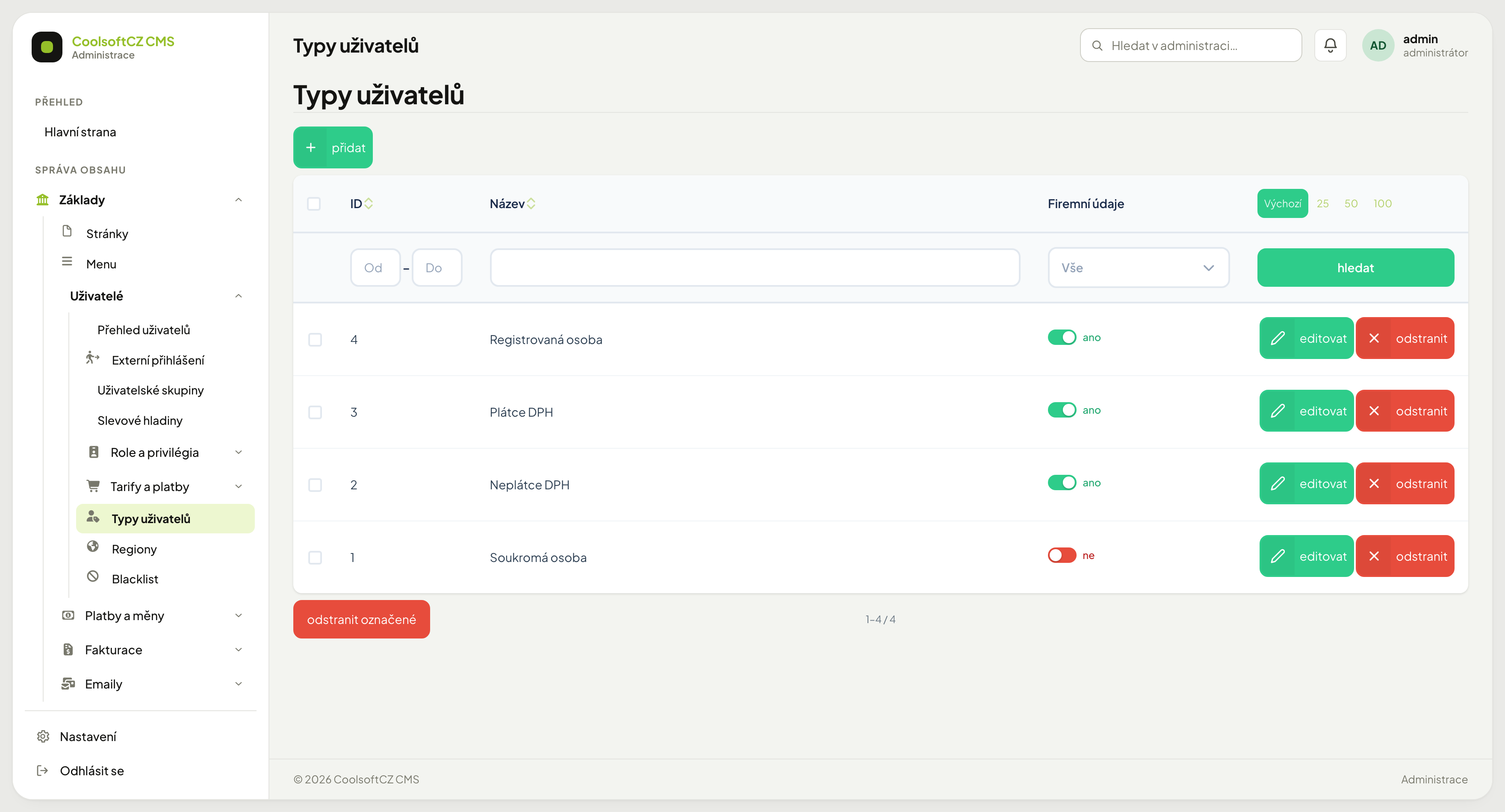
The type decides which fields are required on an account. Typically:
| Type | Requires company details | Requires VAT ID |
|---|---|---|
| Private person | no | no |
| Company, not VAT registered | yes | no |
| VAT registered | yes | yes |
| Registered person | yes | yes |
Users pick their type at registration or in their profile; you can change it on the account card.
Changing a type can invalidate existing accounts
Turn on the VAT ID requirement and accounts already assigned that type with no VAT ID become incomplete. It surfaces at the next profile edit — the user cannot save the form until they fill the value in.
The type also affects documents: it decides whether an invoice should carry a registration number and VAT ID.
VAT liability by payment region#
Editing a type shows a Plátcovství DPH podle platebního regionu (VAT liability by payment region) section. It is a list of payment regions with a tick box beside each. Ticked means: in this region this type is VAT registered.
An example of how it tends to be filled in:
| Type | Czechia | Slovakia | Germany |
|---|---|---|---|
| VAT registered | ✓ | ✓ | ✓ |
| Registered person | ✓ | ✓ | |
| Company, not VAT registered | |||
| Private person |
Why this is not a single tick box
A "registered person" is not VAT registered in Czechia, yet invoices Slovakia and Germany with tax. One toggle cannot describe that — hence a row per region.
This table decides your own invoices
The type is also assigned to your invoicing company. This table then decides whether a particular document comes out with or without VAT — and which layout it gets. Read My companies before changing ticks here.
A missing tick is not the same as a deliberate one left off
A forgotten region on a type the company uses means a document to that region is not issued. The administration says why. After adding a new payment region, go through the user types and add it.
User groups#
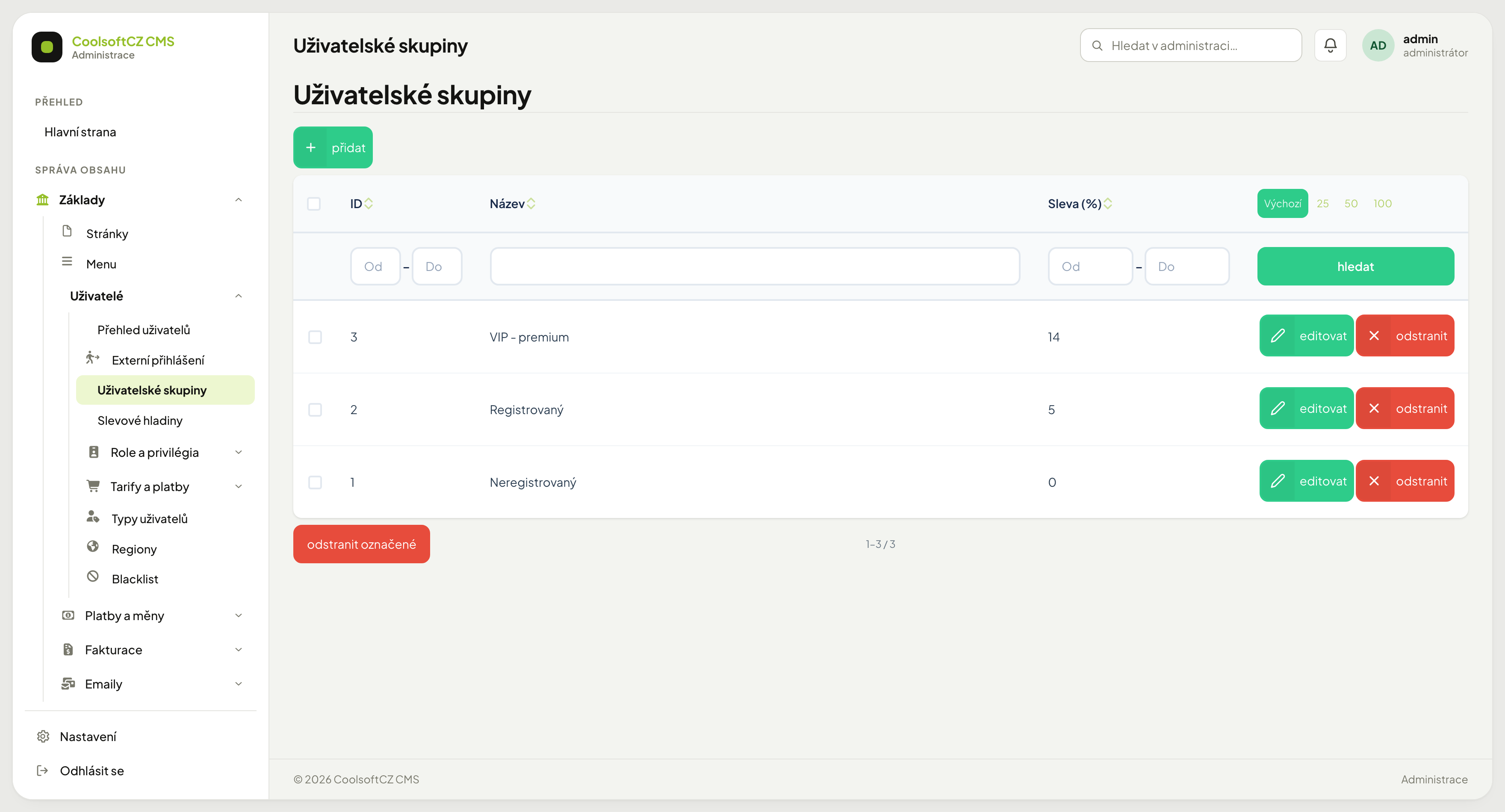
A group bundles users. Typically Unregistered, Registered and some loyalty tier.
| Setting | Meaning |
|---|---|
| Sleva (%) | a field on the group's card; see the warning above — it does not change prices yet |
| Nastavit po registraci (Set after registration) | a toggle on the group's card; every newly created account — by registering on the website or by first signing in through an external service — is put into the group automatically. Existing accounts are not affected |
Creating a group#
- přidat above the list.
- Fill in the name (in every site language).
- Save.
You put a user into a group on their own account card.
Three fields with a discount percentage#
The system has three different fields for a discount percentage, and they are easy to confuse:
| Source | Based on |
|---|---|
| Group | manual assignment of the user |
| Discount level | a manual choice on the user's card |
| Discount on the account | an individual value on a specific user |
None of them affects the final price yet
All three are, today, just stored numbers — no price calculation in the e-shop reads any of them. Do not promise a customer a discount based on them until you have verified it yourself on a test order.
Type, or group?#
- You need different details from someone → type.
- You just want to set them apart from ordinary users (into a group with a discount field that does not do anything yet, see above) → group.
The two are independent: a company can sit in the ordinary group, a private person in the loyalty one.