Article categories and tags#
Two ways of sorting content. A category places an article in a structure; a tag is a free label.
Both live under Blog.
Categories#
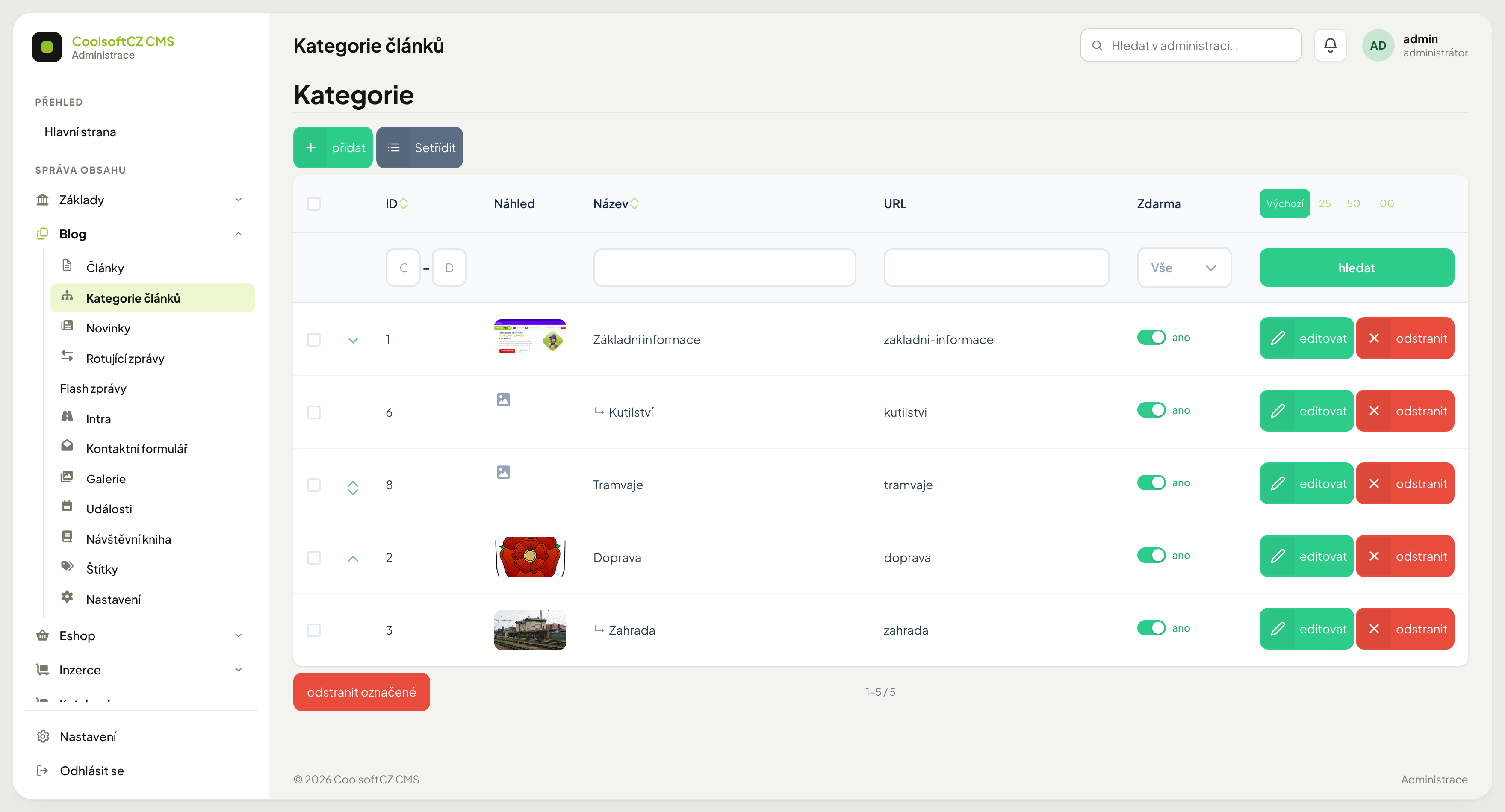
Categories form a tree — they can have sub-categories. The site usually builds menus and landing pages from them.
An article normally belongs to one category, possibly several.
Creating a category#
- přidat above the list.
- Fill in the name (in every site language).
- Pick a parent category, or leave it empty for the top level.
- Add a description and the SEO fields.
- Save.
Category switches#
The header of the category form has four switches:
| Switch | What it does on the site |
|---|---|
| Aktivní / Neaktivní (Active / Inactive) | a disabled category disappears from the site (see below) |
| Zdarma (Free) | anyone can read the articles in it; without it they are for members |
| Nejprve topované (Boosted first) | in the category listing, featured articles (the Hlavní článek switch on the article) go first; the chosen sort order then applies separately within the featured and within the others |
| Preferovaná (Preferred) | in category tiles in preferred mode only these categories are shown (see below) |
A disabled category#
A category switched to Neaktivní:
- answers "page not found" at its address — and so do all its sub-categories, even if they are not disabled themselves,
- is missing from the category menu, from the sub-categories and from the sitemap for search engines,
- does not appear in the article listing.
An article only in disabled categories disappears from the site
An article with no active category is not listed and its address answers "page not found". If it also has another, active category, it stays visible.
A disabled free category does not open an article
An article is free only when it belongs to at least one category that is both active and Zdarma.
Preferred categories#
The site template can show the category tiles in preferred mode. Then only the top-level categories with the Preferovaná switch are shown, followed by an All categories tile that lists the rest too. Whether the template uses this mode is up to the template, not the administration. Without it the Preferovaná switch changes nothing.
Reordering#
Use the Setřídit button and drag the rows.
Dragging changes parentage too
Drop a category under another and it becomes its child — and its whole branch moves with it, articles included. That changes addresses and menus on the site.
Deleting#
What happens to articles in a deleted category
They do not disappear, but they lose their classification — on the site you will not find them in any category listing, even though the articles themselves still exist. Reassign the articles before deleting a category.
Tags#
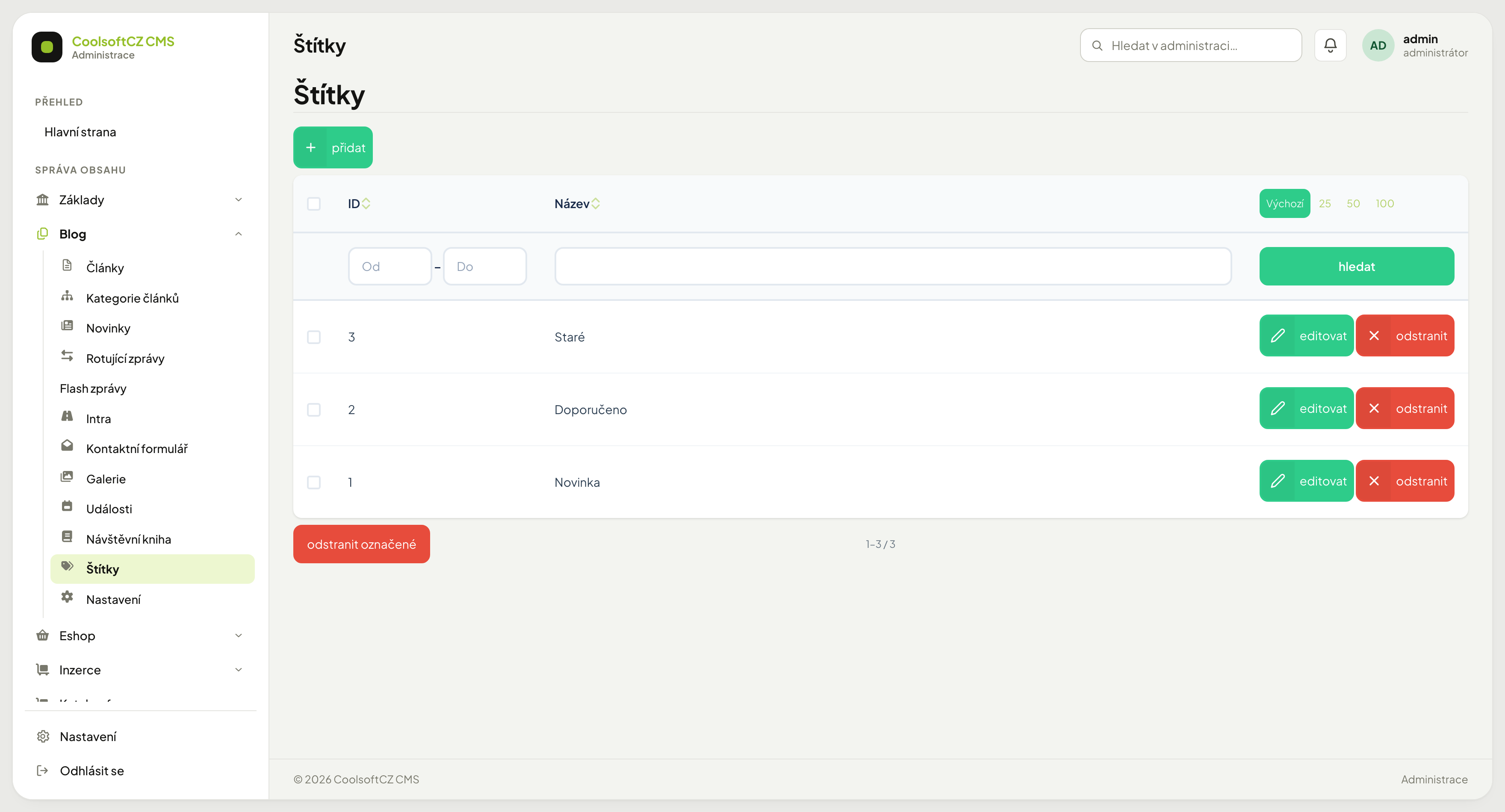
A tag is a free keyword. An article can carry any number of them, and they form no structure — they merely connect content across categories.
Example: an article in the Guides category can carry the tags backup,
security, beginners.
When a tag, when a category#
| You want to… | Use |
|---|---|
| Split content into sections that appear in the menu | a category |
| Connect articles across sections | a tag |
| Give an article one main classification | a category |
| Add a topic when an article has several | a tag |
Few tags beat many
A tag is only useful when several articles carry it. Invent a new one for every article and you end up with a list nothing can be found in — and links on the site that lead to a single article.
Merging duplicates#
The tags backup and backups are two different things to the system. They appear
easily when several people enter them.
The fix: settle on one form, correct it on the articles, and delete the unused tag. Deleting a tag does not delete the article — the label simply disappears from it.
Stick to one form
Agree in advance: singular or plural, lower case or capitalised. The difference
between Backup and backup is easy to miss in a list.