First sign-in#
Where to find the administration#
The administration runs on the same domain as the site, with /admin appended:
Your credentials come from the site administrator. If you are the first person to access the system, they were handed over by the supplier.
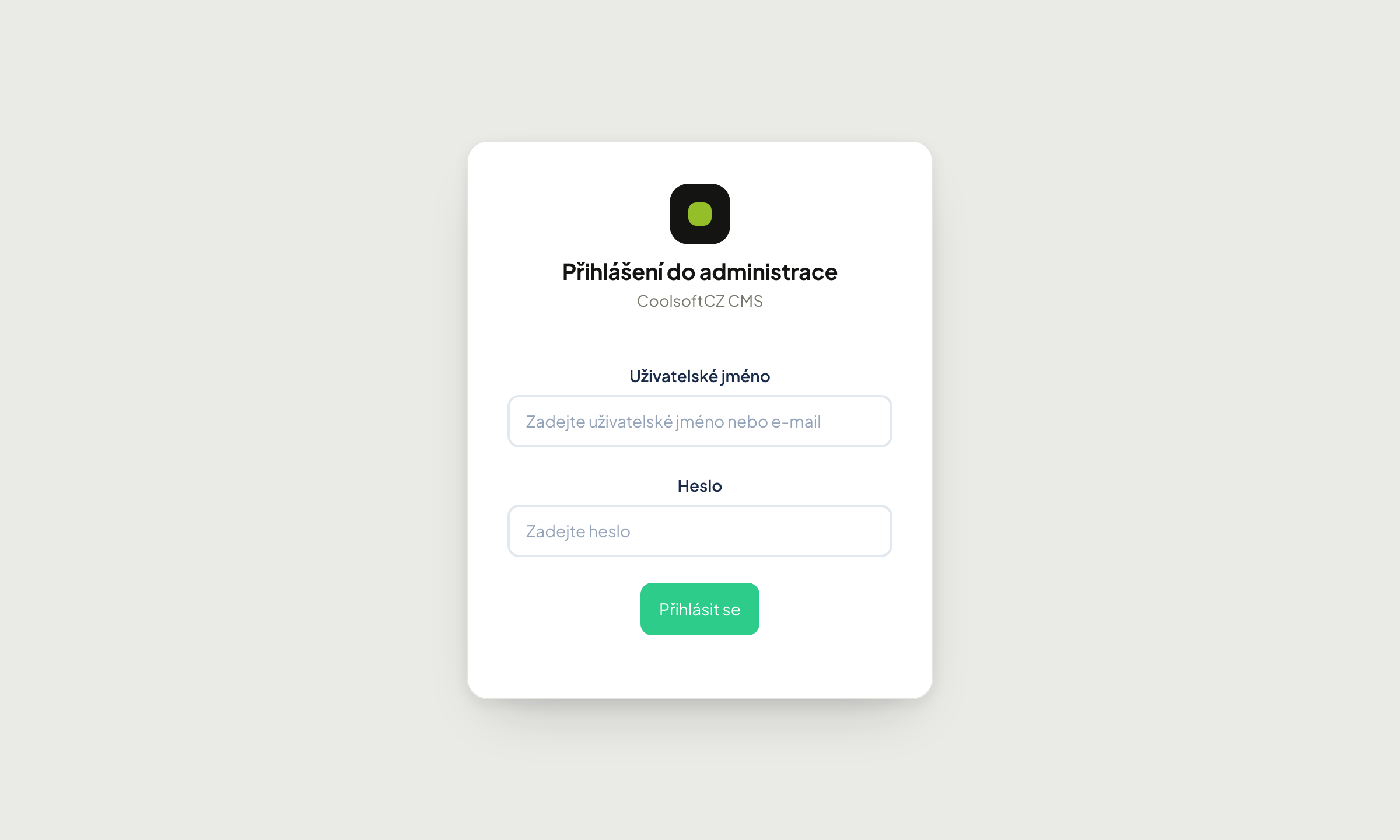
Signing in#
The field labels sit inside the fields; as soon as you start typing, they move above the text.
Procedure: sign in to the administration#
- In Username or e-mail, enter your username or the e-mail address on your account — either works.
- In Password, enter your password.
- If you work on your own computer and want to stay signed in longer, tick Remember me for 8 hours (explained below).
- Click Log in.
In the corner of the sign-in page is a language switcher (CS / EN / SK) — you can choose the administration language before signing in, see Administration language.
After a successful sign-in you land on the home screen, described in Finding your way around.
How long you stay signed in#
The administration signs you out when you do nothing in it for a while:
| Choice at sign-in | Signed out after inactivity of |
|---|---|
| not ticked | 30 minutes |
| Remember me for 8 hours | 8 hours |
Every click or save restarts the clock. A form you are filling in is not lost while you stay signed in — even if you save it after a long stretch of typing, it saves normally (as long as the inactivity limit from the table has not passed).
After being signed out for inactivity, sign in again the same way. It also signs you out of the website if you were signed in there with the same account.
Change the default password#
If someone else gave you the password, change it right after your first sign-in.
Find your account under Základy → Uživatelé → Přehled uživatelů, choose editovat on your row and set the password in the Přihlašovací údaje section.
Leaving the password blank erases nothing
In the user form the Heslo and Heslo znovu fields are always empty when opened. That does not mean no password is set — it simply is not displayed. Leaving them blank and saving keeps the existing password unchanged.
Lost access#
The administration has no public password reset — deliberately, as it reduces the attack surface. Anyone else with access to Přehled uživatelů can set a new password for you.
If no such person exists, contact your site supplier.
Why you see less than a colleague#
The menu is assembled from the role assigned to your account. If the manual describes a section you cannot find, there are two possibilities:
- your site does not have that module enabled,
- your role lacks the permission for it.
See Roles and privileges.
Security practices#
- Do not share accounts. Everyone who uses the administration should have their own sign-in — otherwise the change history cannot tell who did what.
- Sign out on shared or borrowed computers. The Odhlásit se link sits at the very bottom of the left menu.
- Grant only the permissions actually needed. An editor's account has no business reaching payments or system settings.