Events#
Events with a date and a venue — training sessions, trade fairs, open days.
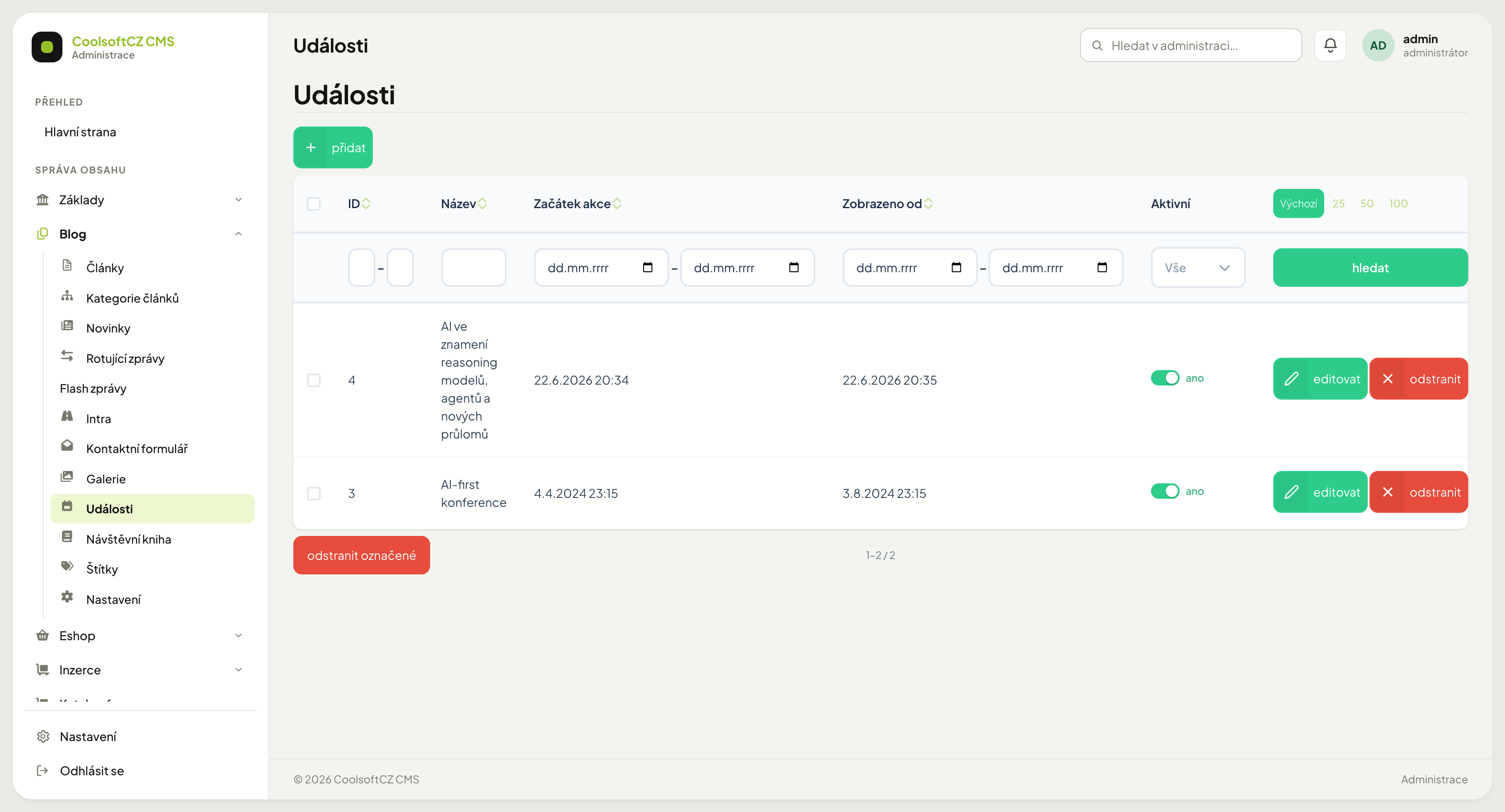
Find them under Blog → Události.
How they differ from an article#
An event additionally has a date and a place. The site orders them by those and can tell what is coming up from what already happened.
| Field | Purpose |
|---|---|
| Od | start of the event — date and time |
| Do | end of the event |
| Adresa | the venue |
| Region | classification for filtering |
| Autor | who is running it |
| Publikováno | from when it is visible on the site |
| Aktivní | the publication toggle |
Creating an event#
- přidat above the list.
- Fill in the name and description.
- Set the from–to dates.
- Enter the address and pick a region.
- Add an image.
- Set Publikováno and turn Aktivní on.
- Save.
Three dates that get confused#
An event carries three different dates and each means something else:
| Date | Meaning |
|---|---|
| Od / Do | when the event takes place |
| Publikováno | from when people can see it on the site |
| Vytvořeno | when the record was created in the administration |
An event whose Publikováno date is today is visible in the listing the same day. After a day is selected, the event calendar on the site shows all events of that day, including those that start later in the day.
Publish the invitation before the event happens
Publikováno belongs at the moment it should reach people — typically several weeks before the date. It has nothing to do with when the event runs.
An event does not disappear on its own when it ends
The end of the date range does not hide it. In the event list it stays visible under the Vše tab (the default), the Skončeno tab shows events that have already taken place, and the Dnes (running) and Blíží se (upcoming) tabs no longer offer it. Its detail page stays reachable, it stays in the sitemap for search engines, and the event calendar still shows it on the days it took place. If it should vanish entirely, switch Aktivní off by hand.
Single-day events#
Fill in both fields even for a single day. For an event from 9 to 17, enter the same date with the matching times. An empty Do can look on the site like an event with no end.
Address and region#
Adresa is the text shown to the visitor. Region is a classification from a code list used for filtering — a visitor can list only events in their own area.
Fill in both. An address alone cannot be filtered; a region alone does not tell anyone where to go.
On the site the region name is shown with an event in the listing (row and table looks) and in the detail, and it is a link: clicking it shows only the events from that region and from the regions below it. An event without a region is not shown when a region is selected.
Comments and galleries#
The event detail has a discussion underneath — visitors can comment on an event just as on an article. Comments are moderated centrally in Comments; the thread shows the section Blog — akce (Blog — event).
Attached galleries appear in the detail only when they are active and already published; a Jen pro přihlášené (logged-in users only) gallery is shown only to a signed-in visitor.
Hiding and deleting#
Switching Aktivní off hides the event and keeps it — it disappears from the list and the calendar, and its address on the site returns "page not found". An event whose Publikováno date is still ahead behaves the same way. Deleting cannot be undone and takes any comments with it.