Browsing by category and region#
The offer of adverts can be browsed by category (what you look for) and by region (where). The two can be combined — say, "Cars" in the "South Moravian Region".
The side lists behave the same way in the company directory, in the blog, in the e-shop (for categories) and in the discussion. How the lists look depends on the site theme — this describes how they work.
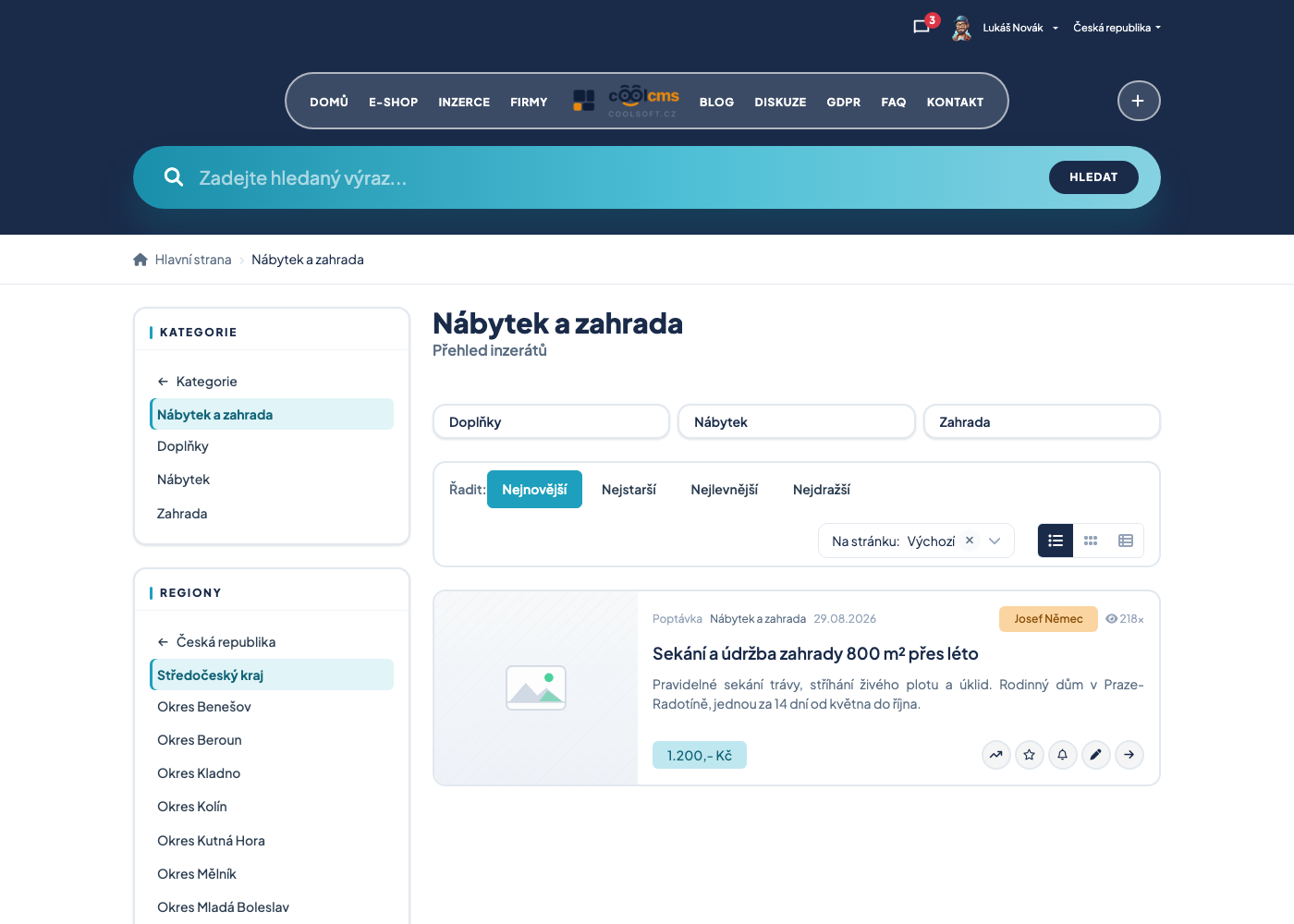
What it looks like#
In the side panel (on a narrow screen in the menu opened with a button) there is a list of categories and a list of regions. Only one level is shown at a time, not the whole tree:
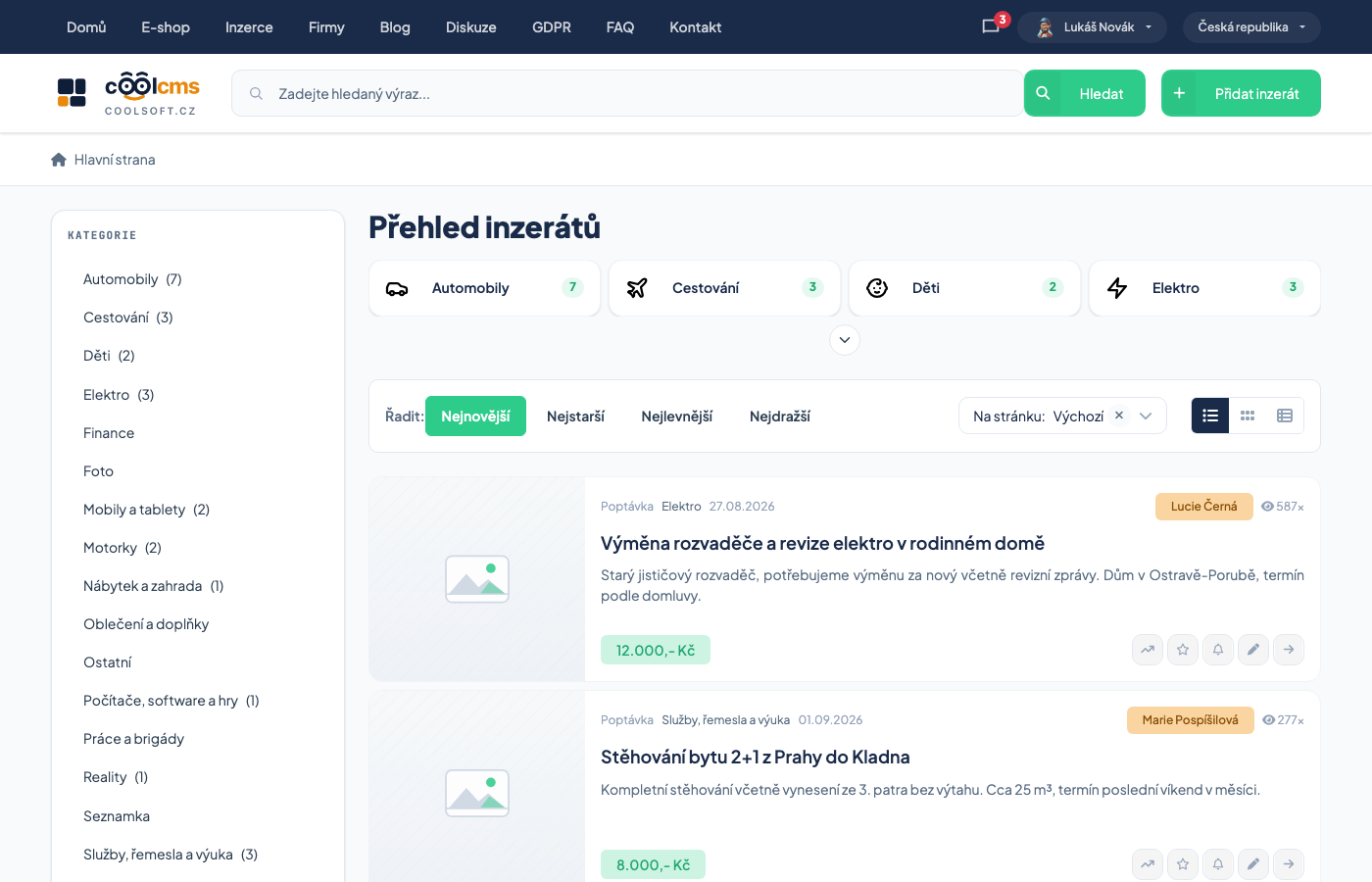
| What you see | When |
|---|---|
| root categories (or countries) | when nothing is selected |
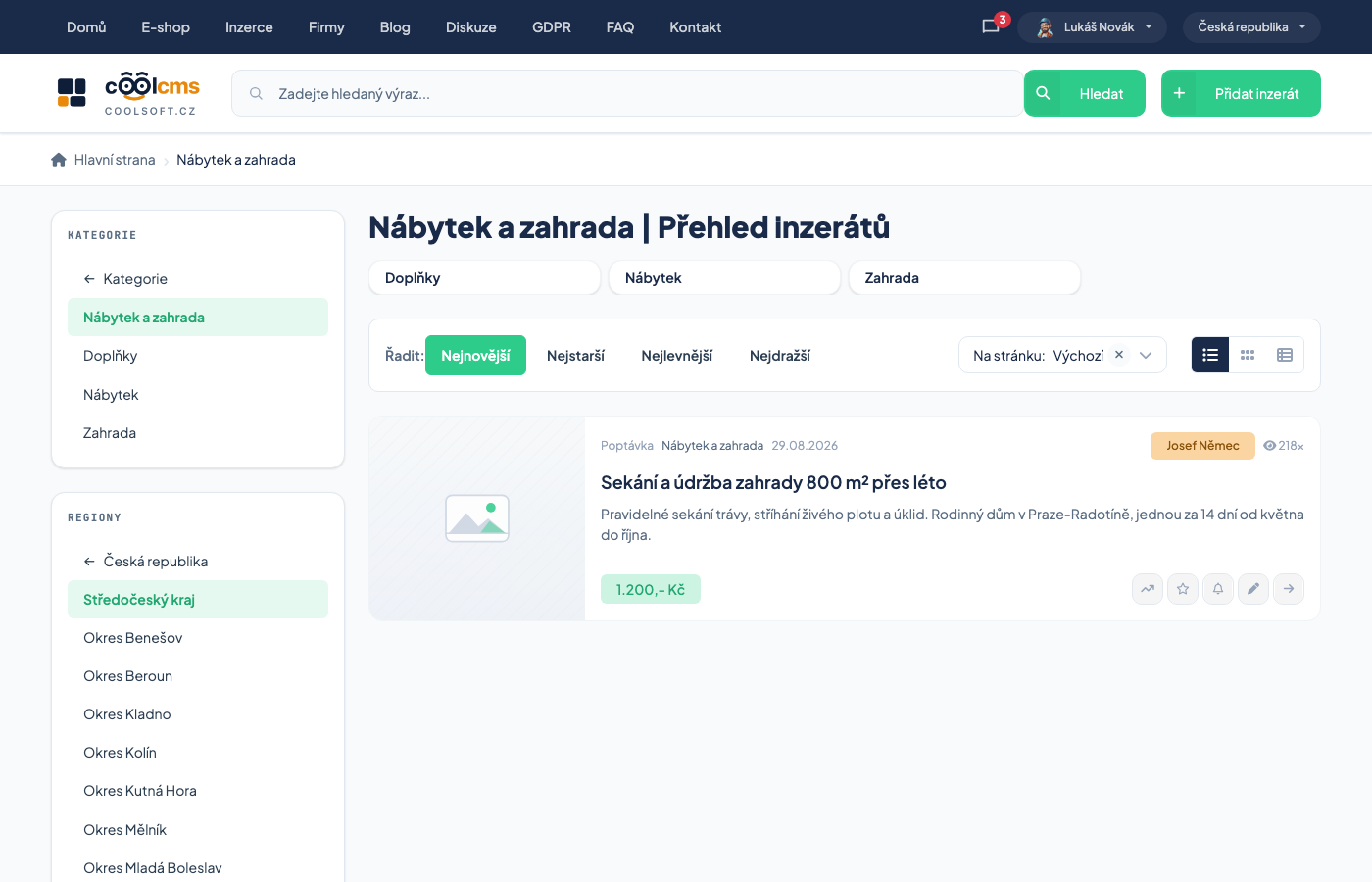
| a back link with an arrow (← parent category) | after selecting a category |
| the selected category highlighted | after selecting |
| the subcategories of the selected category below it | after selecting |
Clicking a row takes you one level deeper, clicking the ← link one level up. For a root category the back link leads to the overview of all categories (for regions to the overview of countries).
Procedure: find adverts in a category and region#
- Open Inzerce and click a category in the side panel.
- To search deeper, click the subcategory that appears below it.
- In the region list pick the country, then the region, then perhaps the district.
- The listing narrows to both. The selected category stays when you change the region, and the selected region stays when you change the category.
- To go back to everything: click the arrow link until you are back at the root level.
A parent category and region also show what is below them
Select a region and you also find adverts from its districts and municipalities; select a category and you find its subcategories too. It does not work the other way: an advert placed only in a region is not found by someone searching a specific municipality.
Changing the category returns the listing to the first page
That is deliberate: in a new category it makes no sense to continue on the page where you stopped in the previous one.
Sorting the listing#
Above the advert listing there is a Sort by: choice with Newest, Oldest, Cheapest and Most expensive. On a computer these are buttons side by side; on a phone it is a single drop-down across the full width that shows the current choice (for example Sort by: Newest). Below it are the number of adverts per page and the view switch.
On a phone:
- Tap the Sort by: … drop-down above the listing.
- Pick an order — the listing reloads straight away.
Highlighted adverts are always on top
Adverts with a paid highlight come before the others whatever order you choose. Your choice applies below them.
What to do when the listing shows nothing#
- Try a higher level of the category or the region.
- Check that no region you forgot about is selected — the region row is highlighted.
- Use a saved search alert: it notifies you when something appears in the category and region.
Related#
- How classifieds work
- Articles and news — the same browsing by region